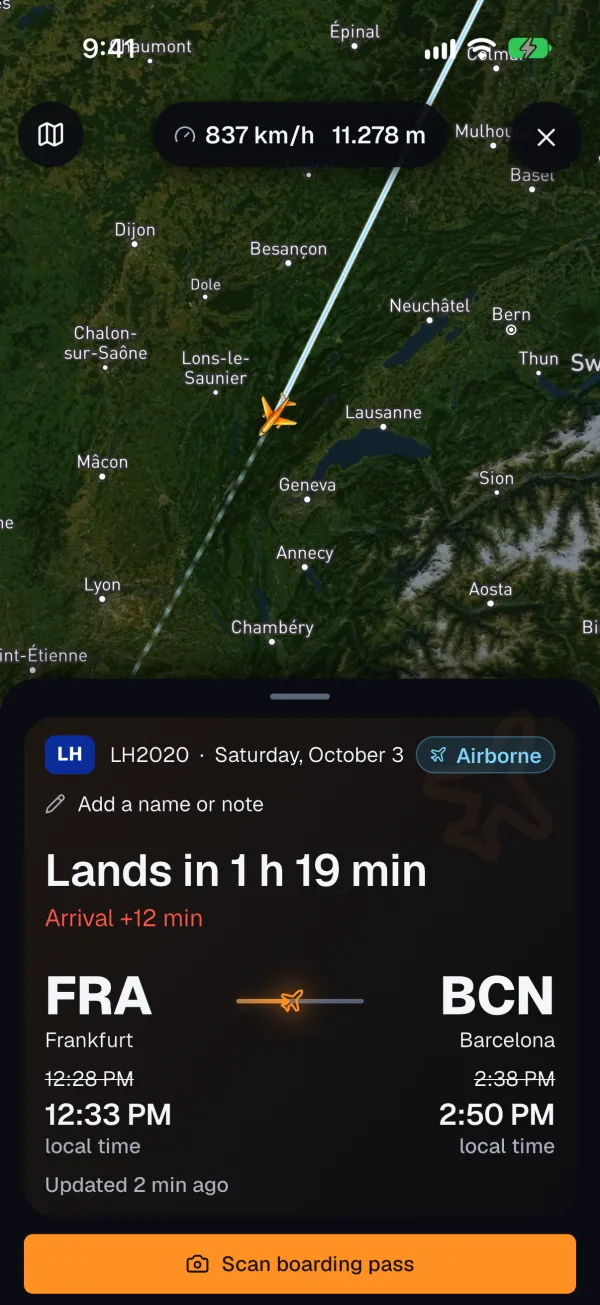
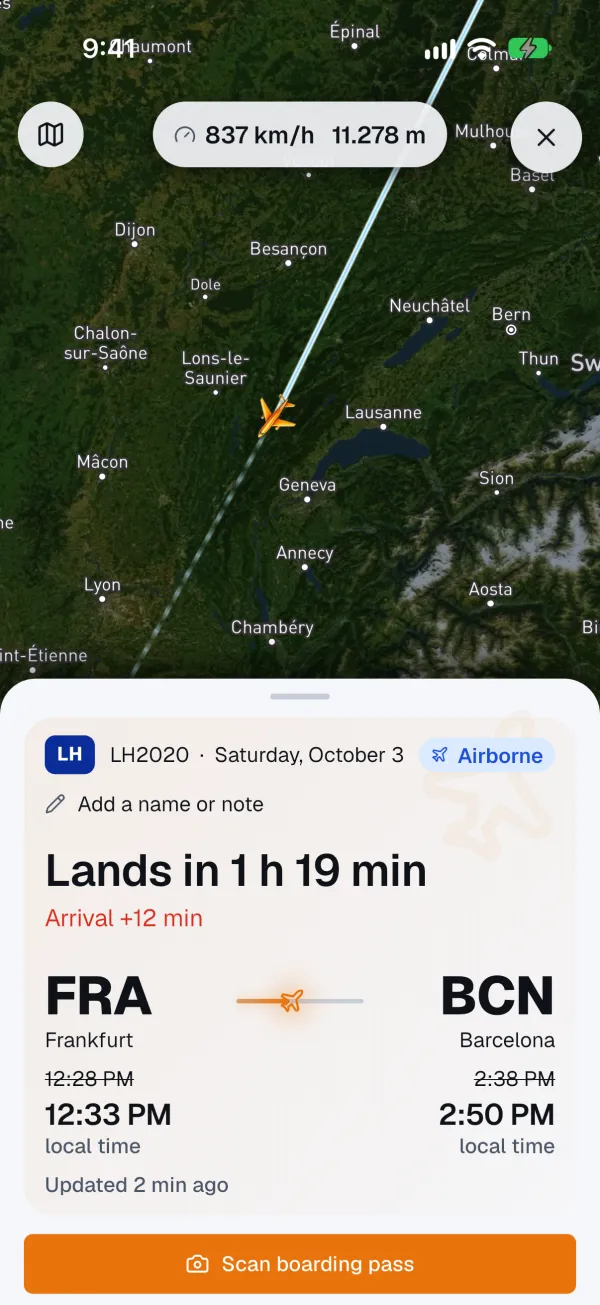
Live Activity all the way to the baggage belt
Countdown, gate and belt on the lock screen, in the Dynamic Island and on Apple Watch – without opening the app. On Android as a live notification, on Wear OS too.
Know before the airline does
FlightPeek follows the aircraft that will fly your flight. If it runs late, the alert reaches you first – with gate, belt and pickup time. Otherwise, silence.
New departure expected at 22:05. The airline still shows 21:45.
The core
Most delays start hours earlier – on the flight before yours. FlightPeek follows exactly that aircraft and does the maths.
Washington → Frankfurt lands 25 minutes late. The airline still shows your flight on time.
Deplane, clean, refuel, board: 45 minutes of turnaround. Your flight can’t leave any earlier.
New departure 22:05 – as a push, long before the departure board changes.
Inbound
21:20
Washington → Frankfurt, 25 min late
Turnaround
45 min
Deplane, clean, refuel, board
Your flight · scheduled 21:45
22:05
earliest possible departure
Example calculation. The real head start depends on the flight.
Alerts
The level decides whether an alert reaches you at night.
The flight is cancelled or lands elsewhere. Everything that ends your trip before it starts — and the only thing that breaks quiet hours.
Rebooking available in the Lufthansa app.
Everything that changes when you need to leave or where to go in the terminal. The most common case — and the reason this app exists.
New departure 11:05. Gate Z50, terminal 1.
For everyone who dropped someone off at the airport — or is picking them up. With the baggage belt, as soon as the airport reports it.
19 minutes early. Baggage belt 4.
The app
No ads, no data selling, no constant pings. The app costs money because every flight lookup costs money.
Countdown, gate and belt on the lock screen, in the Dynamic Island and on Apple Watch – without opening the app. On Android as a live notification, on Wear OS too.
Picking someone up? Then landing and baggage belt matter, not departure – and that is exactly what FlightPeek reports.
Add flights by boarding pass, calendar or screenshot – no typing flight numbers.
Gates, shops and floors on the map as soon as your gate is set.
Kilometres, punctuality, records – every tracked flight adds to your log.
From three hours late at the destination, EU law entitles you to up to €600. The calculator below shows how much.
Same alerts, same calm: iPhone, Apple Watch, Android and Wear OS.
Sharing
One link is enough. Family or your driver see your aircraft live on the map – with landing time, gate and baggage belt. No app needed.
Extra · Beta
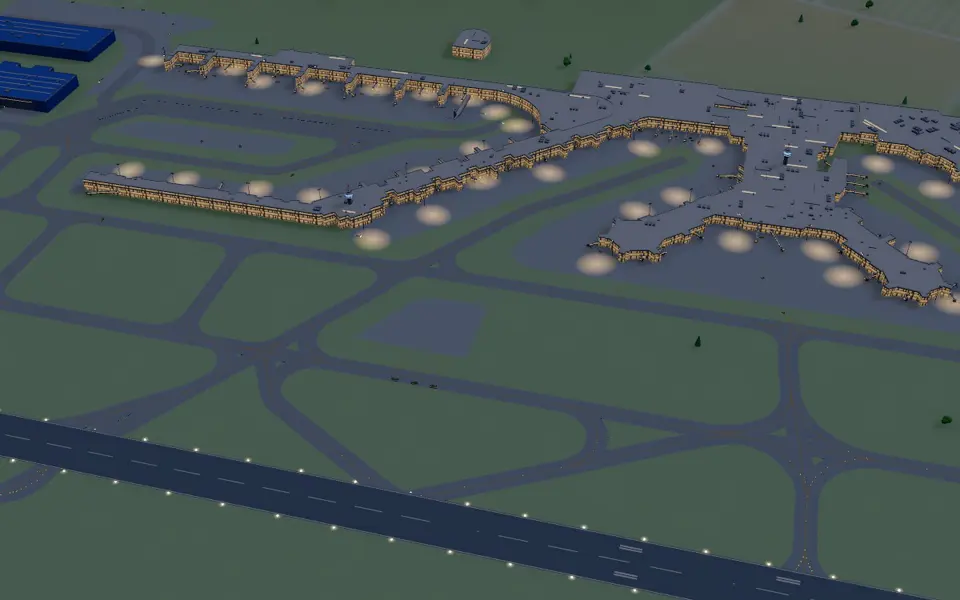
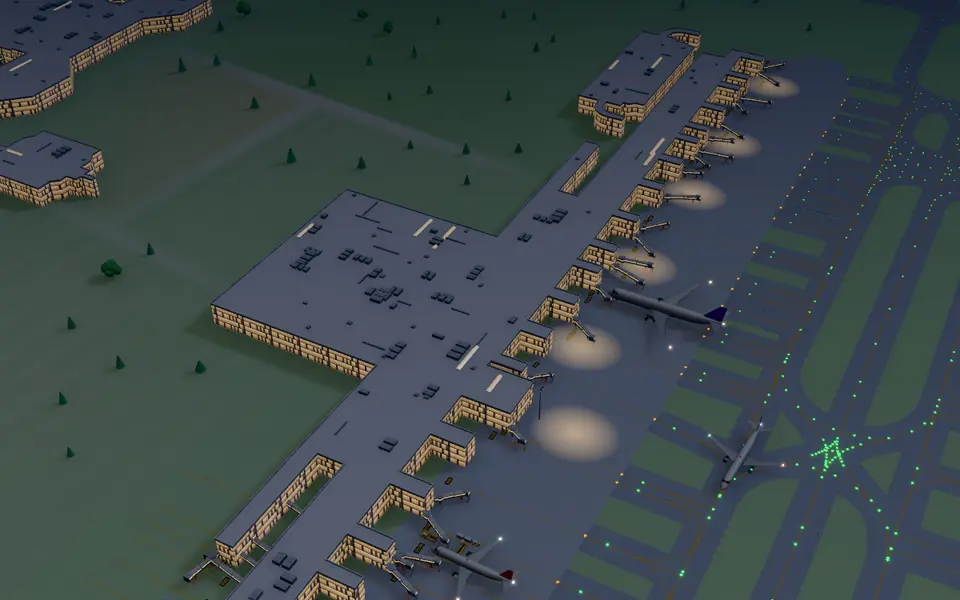
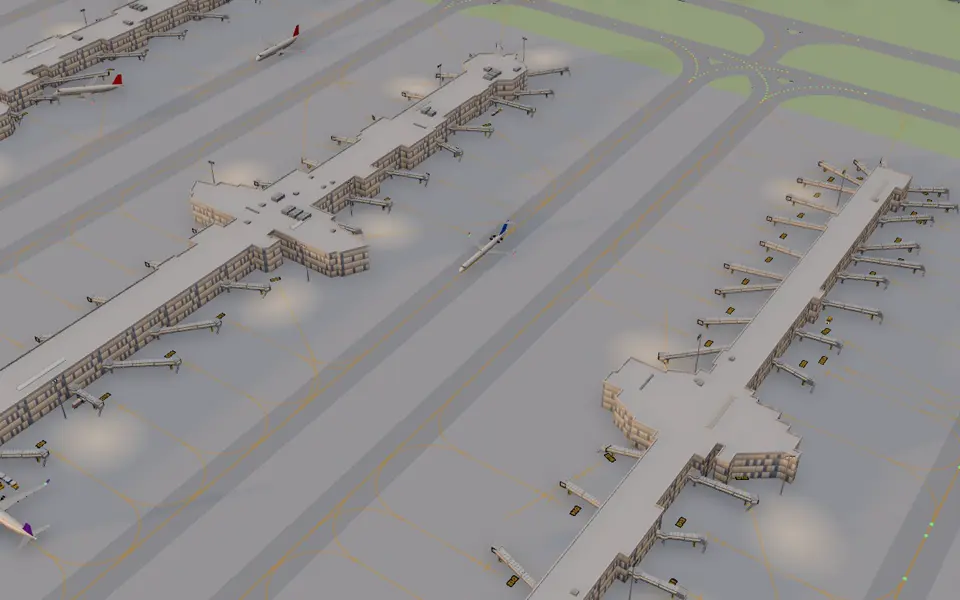
Every airport as a model with real transponder data, free in your browser. An extra to the app – the alerts still come first.
Stills from the FlightPeek live map · Maps © OpenStreetMap contributors
Comparison
The airline reports what it officially knows. Flight radar apps show what is flying right now. FlightPeek combines both – and tells you what it means for your flight.
| What matters on travel day | FlightPeek | Airline app | Flight radar app |
|---|---|---|---|
| Reports delays before the board changes | only once official | ||
| Follows the aircraft on the flight before yours | automatically | search yourself | |
| At night, only what really matters | 3 levels | ||
| Link for whoever picks you up – no app needed | |||
| All airlines in one app | own flights only | ||
| No ads | free version with ads |
Typical features of each kind of app, as of October 2026. Individual apps may offer more or less.
Pricing
No subscription needed to get to know FlightPeek. Pro pays off from your second flight – no ads, no data selling.
€0 for your first flight
€29.99 per year
that’s €2.50 a month · or €3.99 monthly
Free for 3 days€14.99 per driver per month
Free for 14 daysor €149.90 a year – two months free · Prices exclude VAT.
Traveller prices include VAT; Business prices exclude VAT. The store shows the price in your currency. Cancel any time via the App Store or Google Play.
Passenger rights
From three hours late at the destination, EU law makes the airline pay – based on distance, not ticket price. Try it:
All about passenger rights →Over 3,500 km with 3 to 4 hours of delay, the airline may cut it by half.
For transfer companies
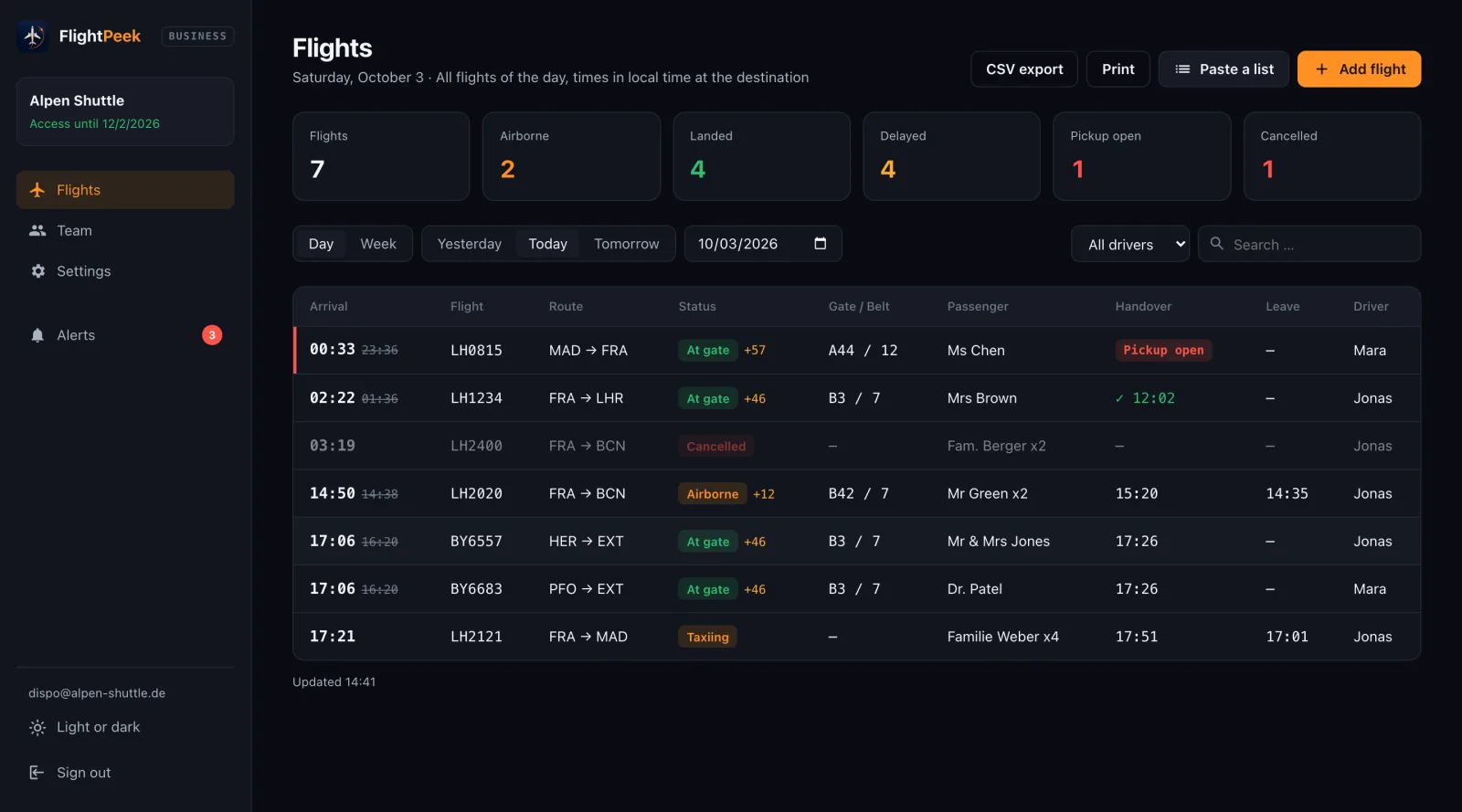
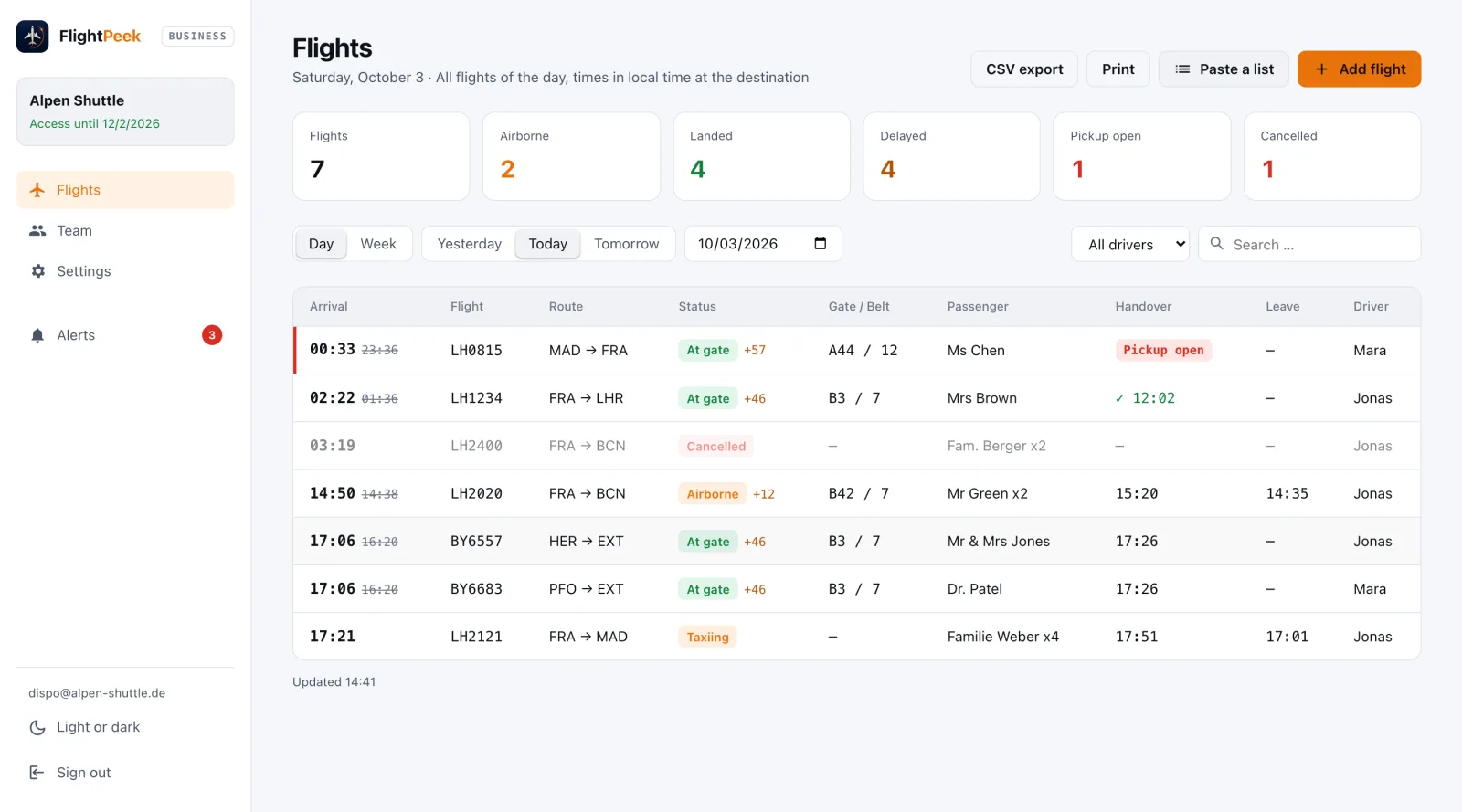
Dispatch plans in the dashboard, every driver has the app. FlightPeek tracks each flight and says when to leave.
Popular routes
Before you ask
Your first flight – complete, with all alerts, no account and no payment details. You only need Pro from your second flight on.
All airlines with a flight number — scheduled and charter, worldwide. At small airports without a live feed, only scheduled times may be available.
No. Monitoring runs on the FlightPeek server, not on your phone. Alerts reach you even if the app has been closed for weeks.
Practically nothing. There is no background service and no location access — just a push notification when something about your flight changes.
Through the App Store or Google Play, any time and without notice period. All features stay active until the end of the paid period.
First flight free – no account, no payment details. For iPhone and Android.
Scan with your cameraOpens the right store – iPhone or Android.